
Guides, step by step
Each guide takes one job from the first click to the finished file, with the menu paths and keys of the version you can download today. New here? Start with the first one.
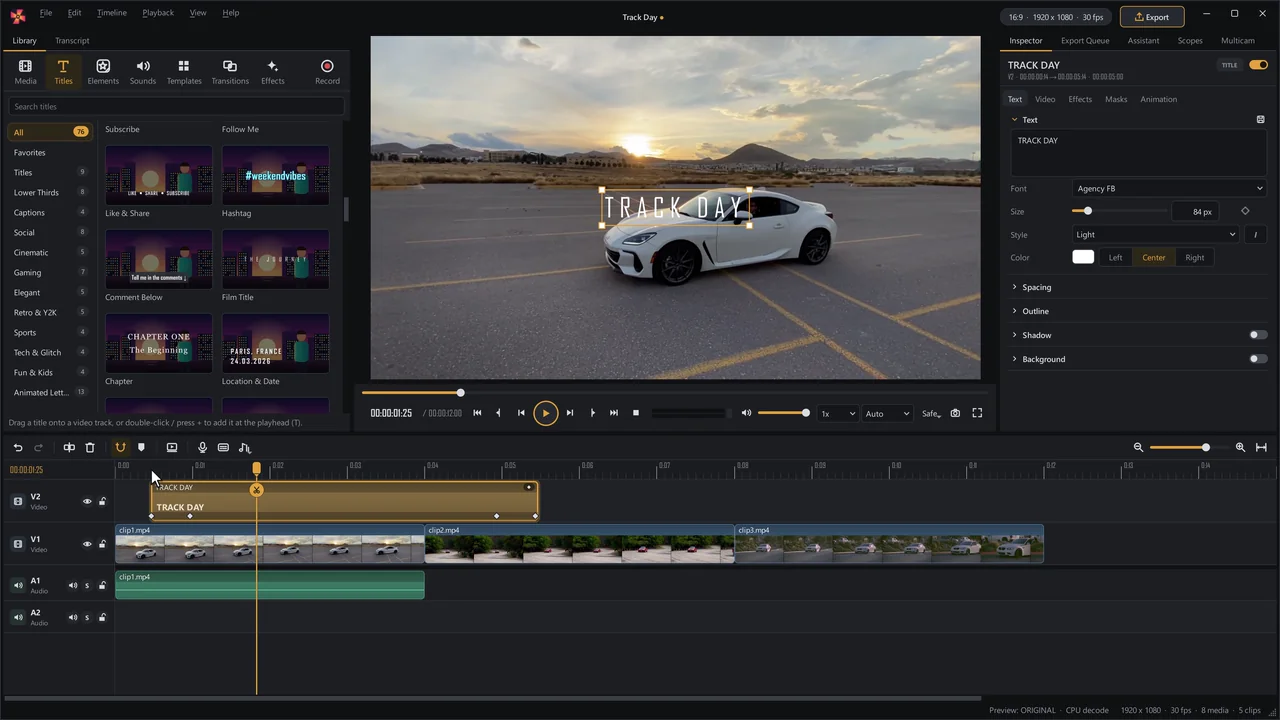
Start here · 10 steps
How to edit a video in SceneMill
From a folder of clips to a finished video in ten steps. Every step works the way it is described here in the version you can download today.
Open the guide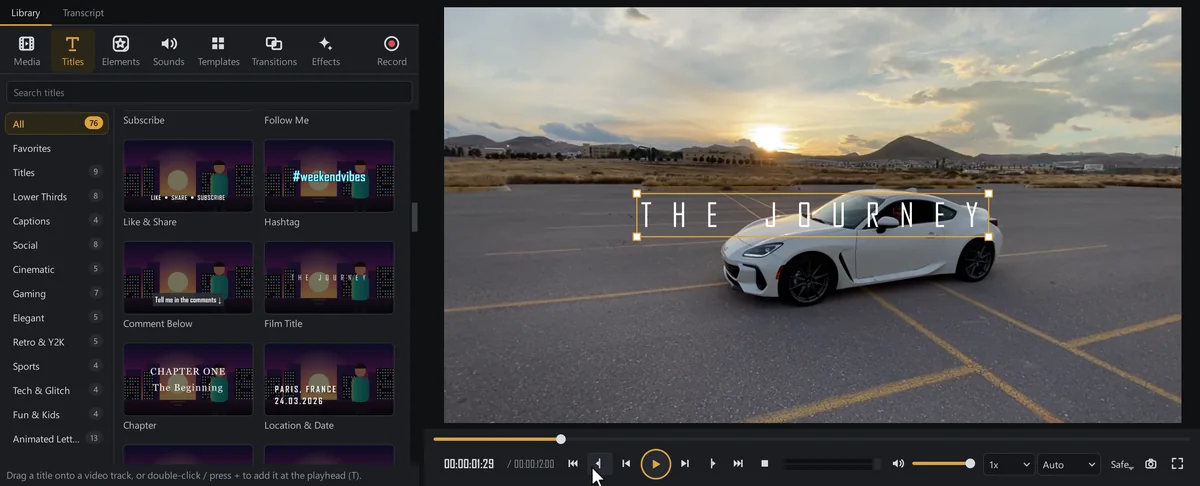
5 steps
Automatic subtitles, free and offline
SceneMill listens to your video and writes the subtitles for you, on your own computer. Nothing is uploaded, there is no account and no limit on minutes. You check the words, pick a look and export.
Open the guide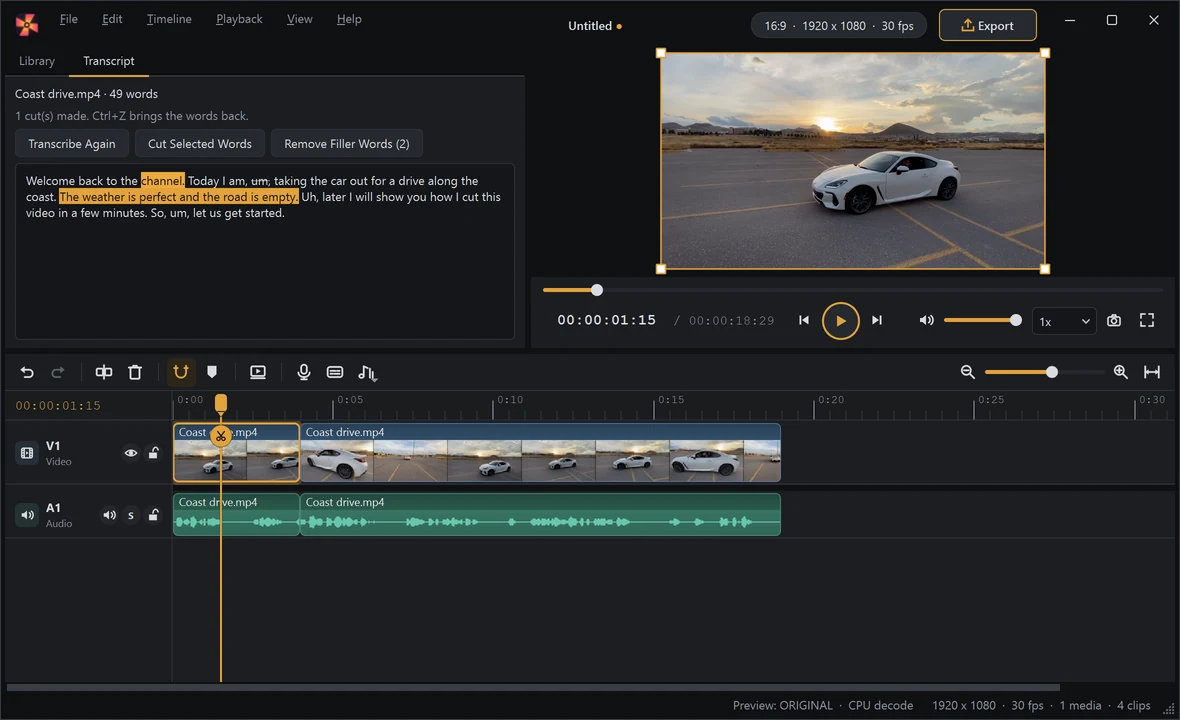
5 steps
Edit video by editing text
Interviews, vlogs, tutorials, podcasts: SceneMill writes down what is said, and you cut the video by deleting words. Select a sentence, press Delete, and it is gone from the picture and the sound. Free, and on your own computer: nothing is uploaded.
Open the guide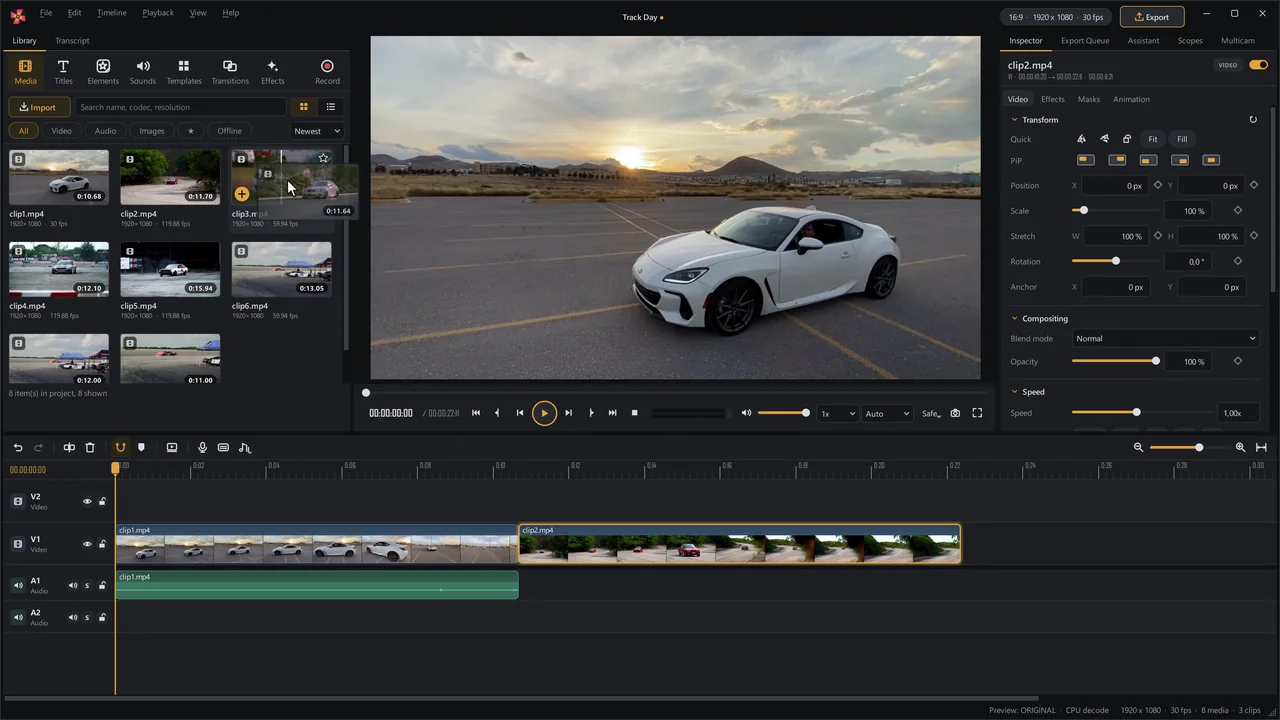
7 steps
A photo slideshow with music
Holidays, a wedding, a birthday: a folder of photos becomes a video with music, transitions and gentle motion. Free, without a watermark, and your photos never leave your computer.
Open the guide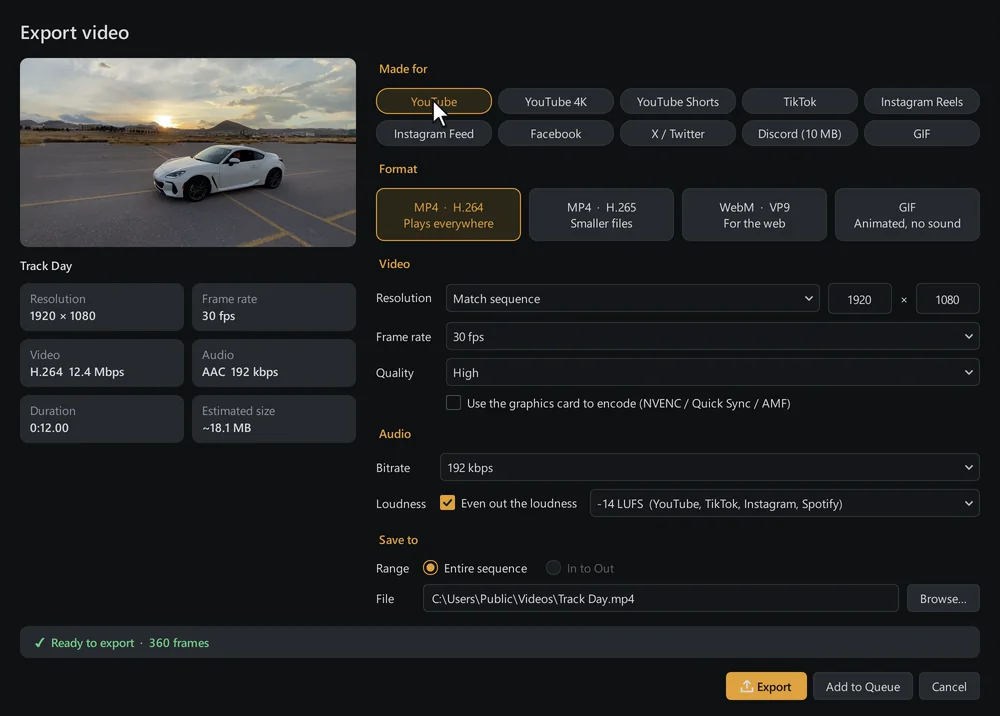
5 steps
Smooth editing on a slow PC
Phone and drone footage is often 4K in HEVC, and that stutters on an older laptop. SceneMill has the tools that make it play smoothly anyway, and your export still uses the full-quality originals.
Open the guide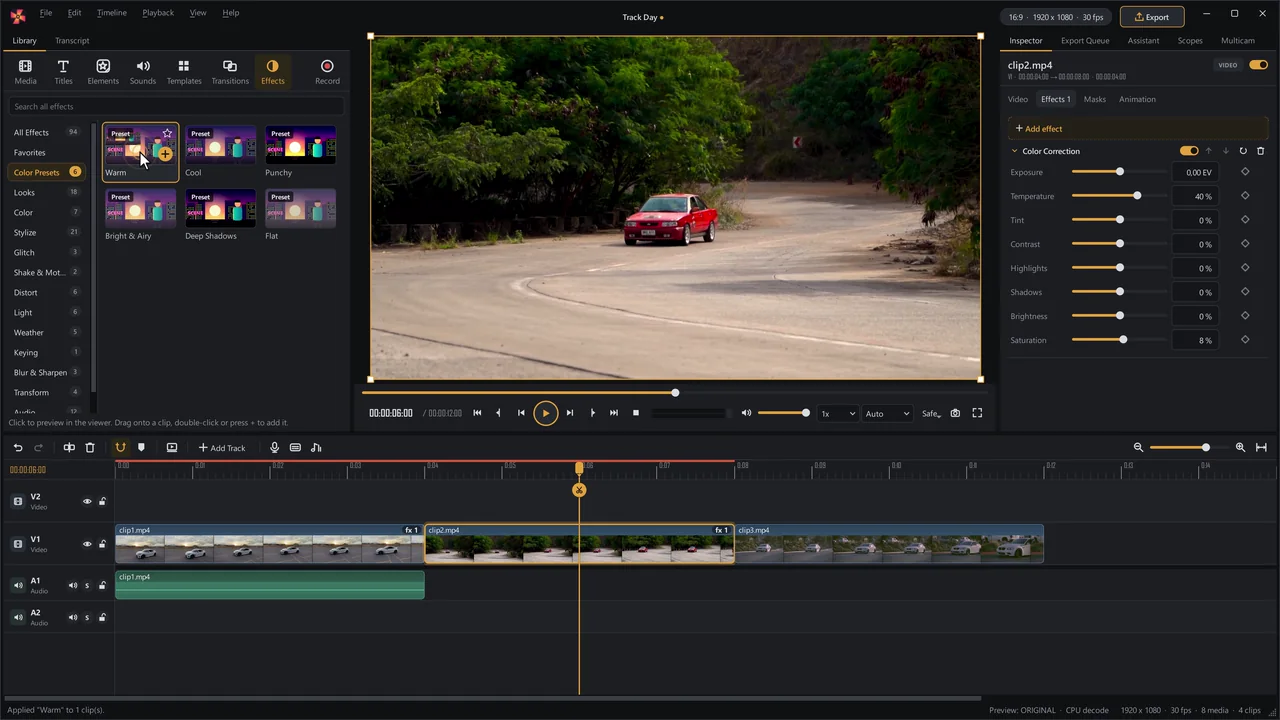
5 steps
Free, and no watermark
SceneMill is a video editor for Windows that costs nothing and puts nothing on your video. It needs no account, sends nothing to the cloud and keeps working without the internet. If you are looking for a replacement for Windows Movie Maker, or a desktop alternative to CapCut or Clipchamp, this page says what to expect.
Open the guideLooking for one function? The manual explains every part of SceneMill and has a search.