Skip to content
SceneMill
Features Showcase How-to FAQ Plugins Download
Download SceneMill

Plugins

Plugins add effects to SceneMill. This is the first one, and it is free like SceneMill itself.

Big Pack

30 effects in one plugin: film looks, lens light, glitch, paintings and prints, bent and moving pictures. They sit in the Effects library beside the built-in ones, marked “Plugin”, and work like them: drag one onto a clip, set it in the inspector, animate it with keyframes.

Download the Big Pack
  • Version 1.0.0 · zip, 64 KB
  • Needs SceneMill 1.0.6 or newer on Windows
  • SHA-256 e05381ff6198566e889829b35ce97d1f640448a79e0e879b5dfa900311086a5a

Install it

  1. Unpack the zip. You get scenemill_bigpack.dll.
  2. In SceneMill, open Help › Plugins, choose Install a Plugin... and pick that file.
  3. Start SceneMill again. The effects are in the Effects library.

To switch it off again, untick it under Help › Plugins. A project that uses its effects keeps them and shows them once the pack is back.

The effects

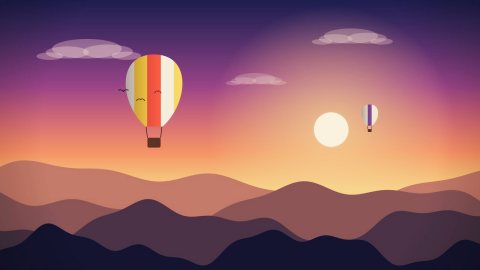
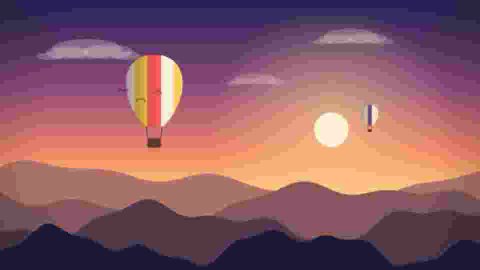
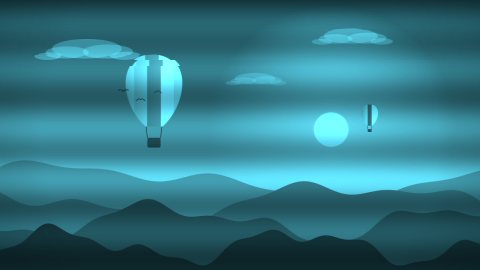
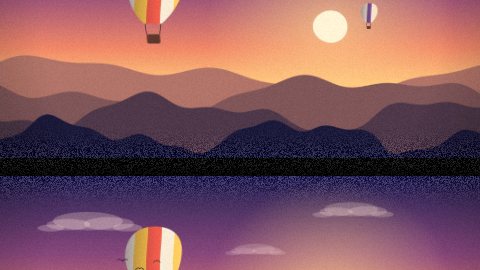
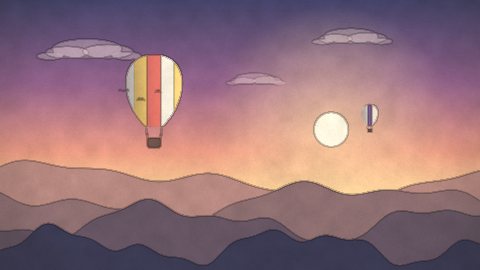
Every picture below is the same drawing with one effect at its usual setting.

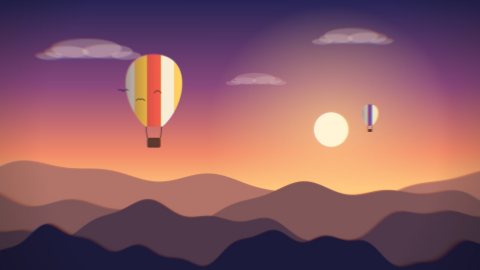
The picture without an effect
Without an effect

Looks

4 effects. Film stocks, processes and times of day.

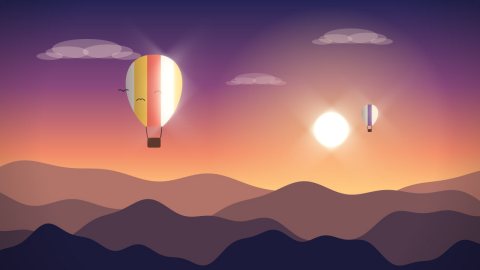
The effect Split Toning
Split Toning One colour into the shadows, another into the highlights.
The effect Technicolor
Technicolor The dense, separated colours of old three-strip film.
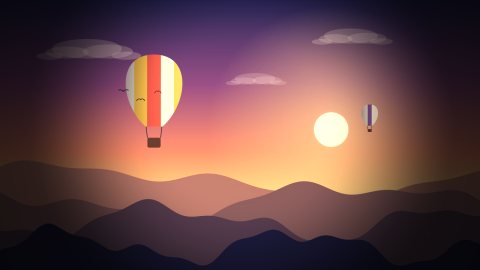
The effect Day for Night
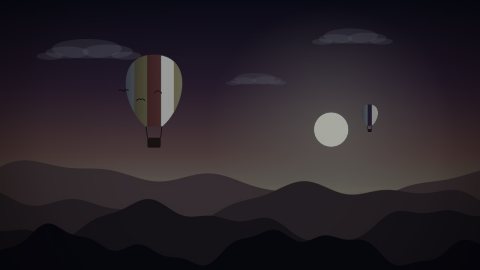
Day for Night Turns daylight footage into a moonlit night; bright lights stay.
The effect Film Print
Film Print The tone curve and colour of a projected film print.

Light

7 effects. What lenses and filters do with bright places, and light you add.
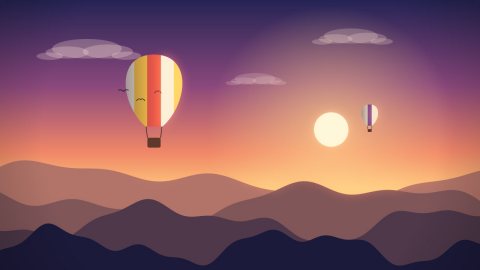
The effect Halation
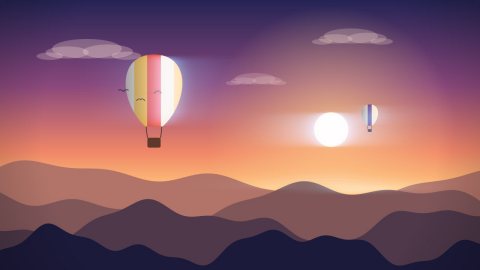
Halation The red glow film shows around bright lights.
The effect Anamorphic Streaks
Anamorphic Streaks Long horizontal flares from bright lights, as anamorphic lenses draw them.
The effect Dream Diffusion
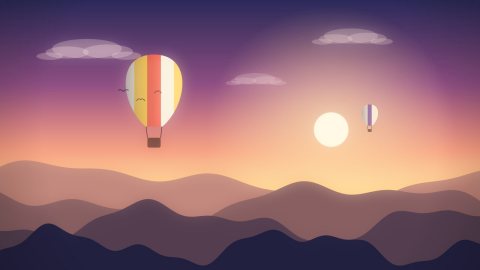
Dream Diffusion A mist filter: lights bloom softly, blacks lift, skin turns gentle.
The effect Star Filter
Star Filter Rays from every bright point, like a star filter on the lens.
The effect Spotlight
Spotlight Light on one place and darkness around it. Move it with keyframes.
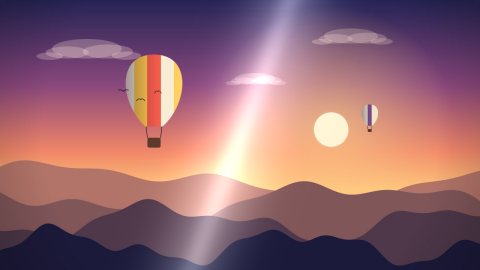
The effect Light Sweep
Light Sweep A shine that travels across the picture; made for titles and logos.
The effect Prism
Prism Colours fan out into a rainbow towards the edges, as through a prism.

Glitch

4 effects. Broken compression, lost signals, projections.
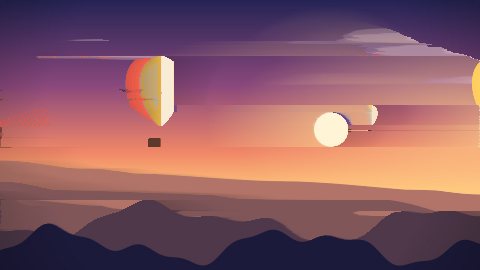
The effect Pixel Sort
Pixel Sort Runs of pixels sorted by brightness: the picture melts into streaks.
The effect JPEG Crush
JPEG Crush Blocks and smeared colour, like a picture saved far too small.
The effect Hologram
Hologram A flickering projection in one colour, with lines that slip.
The effect TV Roll
TV Roll The picture rolls through the screen like on a television without hold.

Stylize

9 effects. Paintings, prints and old screens.
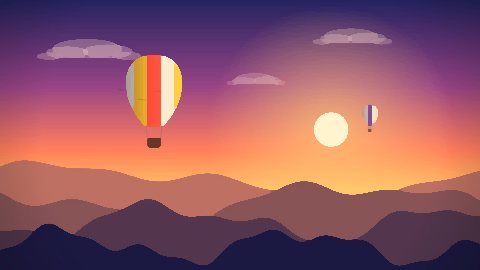
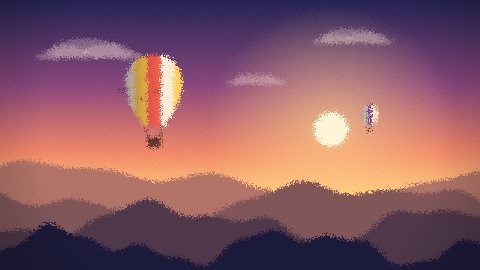
The effect Oil Paint
Oil Paint Flat strokes of colour with clear edges, as painted in oil.
The effect Watercolor
Watercolor Thin washes on grained paper, darker where they meet.
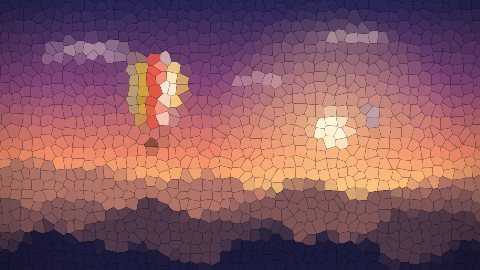
The effect Crystallize
Crystallize The picture in facets, like stained glass.
The effect Frosted Glass
Frosted Glass The picture seen through frosted glass.
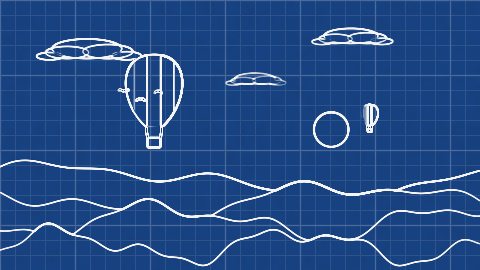
The effect Blueprint
Blueprint White lines on blue squared paper, like a technical drawing.
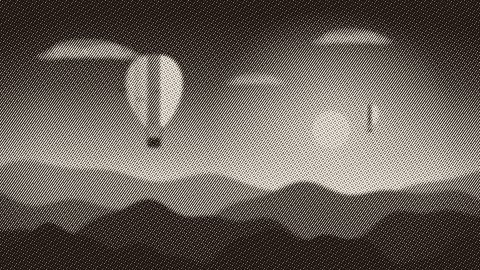
The effect Engraving
Engraving Tone as the thickness of lines, like the portrait on a banknote.
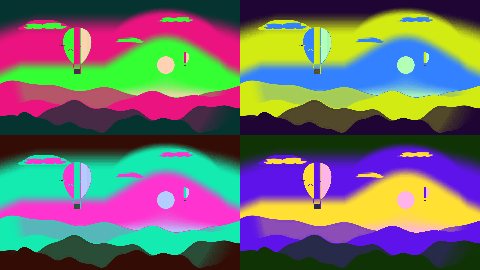
The effect Pop Art
Pop Art The picture in panels, each in its own loud colours.
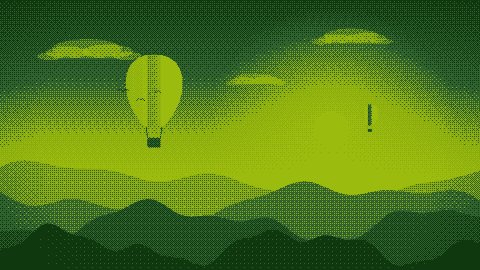
The effect Retro Dither
Retro Dither Few colours and a dot pattern. Palettes: 1 black and white, 2 handheld green, 3 CGA, 4 sixteen colours, 5 amber.
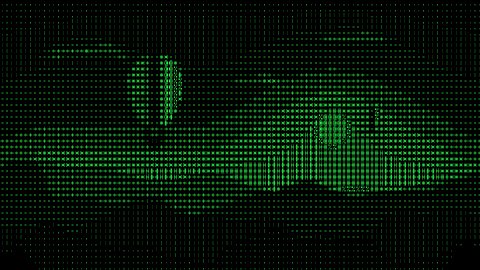
The effect ASCII Art
ASCII Art The picture typed in characters, light ones for dark places and heavy ones for bright.

Distort

6 effects. Bent, smeared and repeated pictures.

The effect Heat Haze
Heat Haze The air shimmers, as over a hot road or a fire.
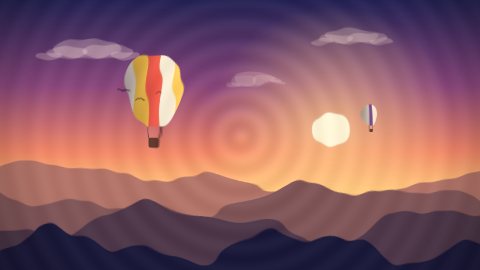
The effect Water Ripple
Water Ripple Rings spread from a point, as on water.
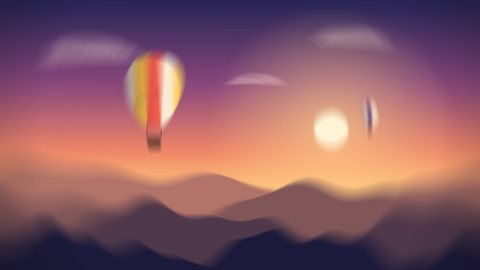
The effect Spin Blur
Spin Blur Blurred around a point, like a turning wheel.
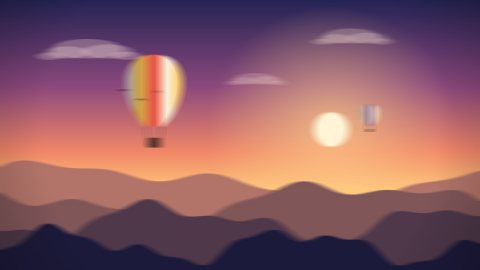
The effect Motion Blur
Motion Blur Smeared in one direction, like something passing fast.
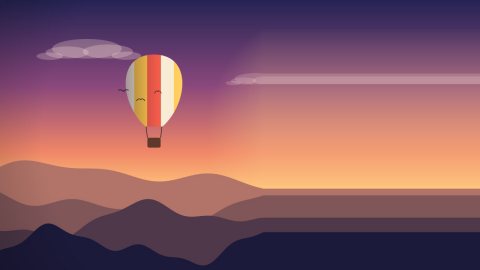
The effect Pixel Stretch
Pixel Stretch One line of the picture pulled out to the edge. Direction: 1 right, 2 left, 3 down, 4 up.
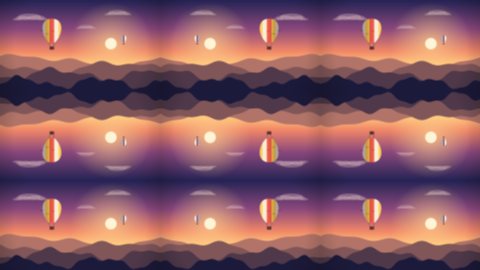
The effect Tile Repeat
Tile Repeat The picture several times side by side, mirrored so that the copies meet.

Make your own

A plugin is a small library with one function, written in C or anything that can speak C. If you would like to write one, say so in SceneMill under Help › Give Feedback and leave your address: you get the header and an example. Plugins are native code and run inside SceneMill, so install only plugins from people you trust.

SceneMill

Modern desktop video editing.

Product

  • Download
  • Features
  • How-to
  • What's new
  • FAQ
  • Plugins

Legal

  • Privacy
  • Terms
© 2026 The SceneMill authors scenemillofficial.com